OemBase
Installing From OEM Ubiquity
This install method is the same for both Live and Direct install.
Language
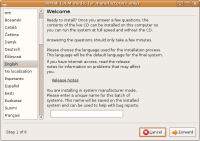
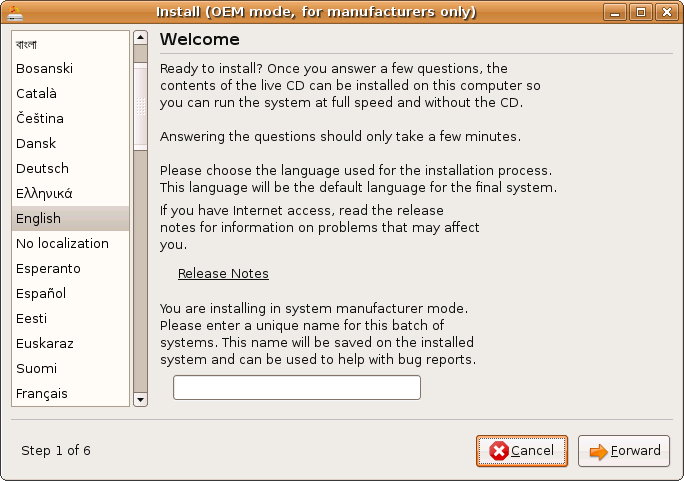
- Select a language and hit Forward.
- Fill in the batch name for the PC's.
Click to zoom
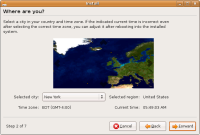
- From the map select the closest city to where you live and hit forward.
Click to zoom
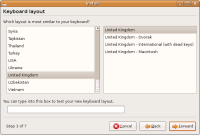
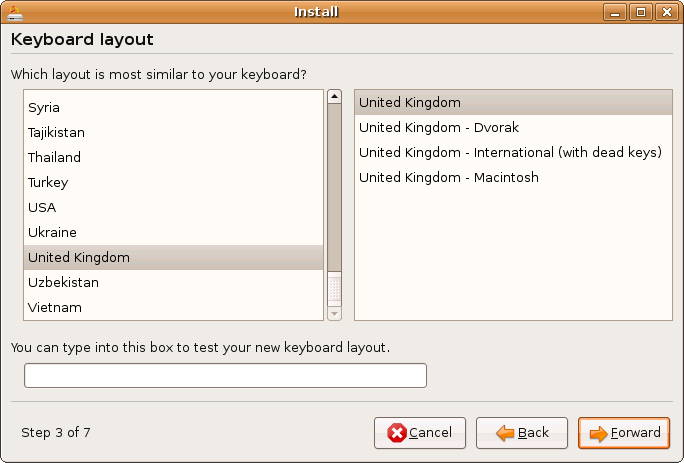
- Select the type of Keyboard you like to use and hit forward.
Click to zoom

Testing/Includes/OemBase (last edited 2008-08-06 16:30:42 by localhost)