OemEnd
End OEM Setup
With the base install and partitioning over there are just a couple of steps left to finalise the install.
Tests to complete
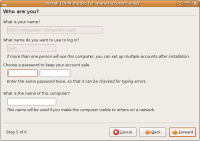
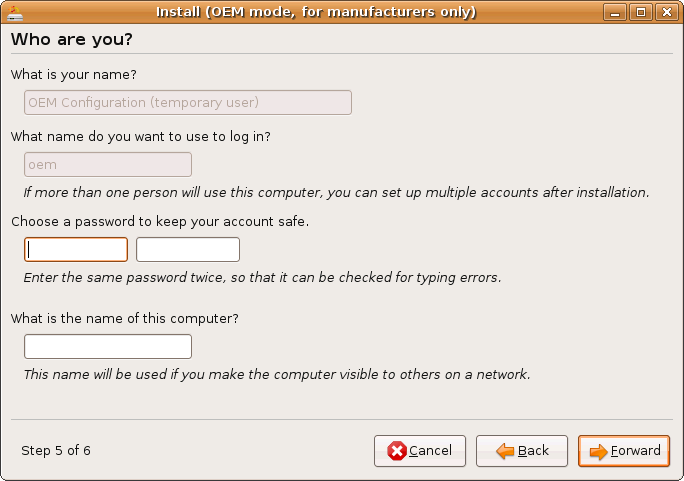
- Adding a user. This user is effectively the system administrator.
Click to zoom
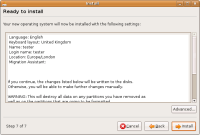
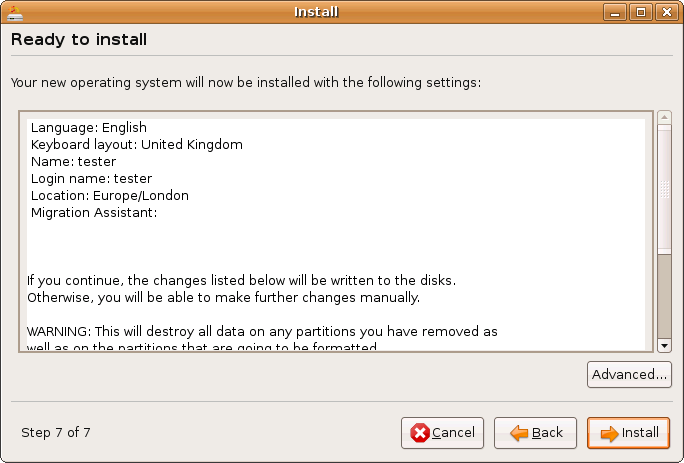
- Confirmation of the install with the option to hit advanced to modify sections.
Click to zoom
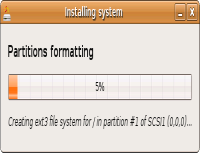
- Install process, once confirmed you will see a bar that shows the progress of the install.
Click to zoom

Testing/Includes/OemEnd (last edited 2008-08-06 16:30:26 by localhost)