Terminal
Terminal
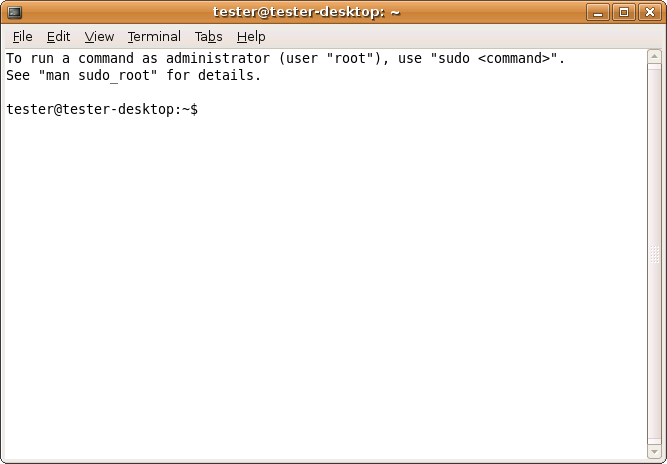
Terminal is the gnome shell window that gives you access to the Linux command line shell.
Test to perform
- First off try a command:
sudo apt-get update
Besure that you are asked for [Sudo] Password for X (where X is your user name).
Click on Edit, select Profiles, select Edit and select colours. Modify the colours to a different set and be sure it happens in the terminal window.
- Set a Background Image and be sure it appear in the terminal.
- Change the Zoom Level.
- Try opening so of the other programs and see if any errors appear in the terminal window.

Click to zoom
Testing/Includes/Terminal (last edited 2008-08-06 17:01:02 by localhost)